
The shopkeeper
Close the till and the books in one go.
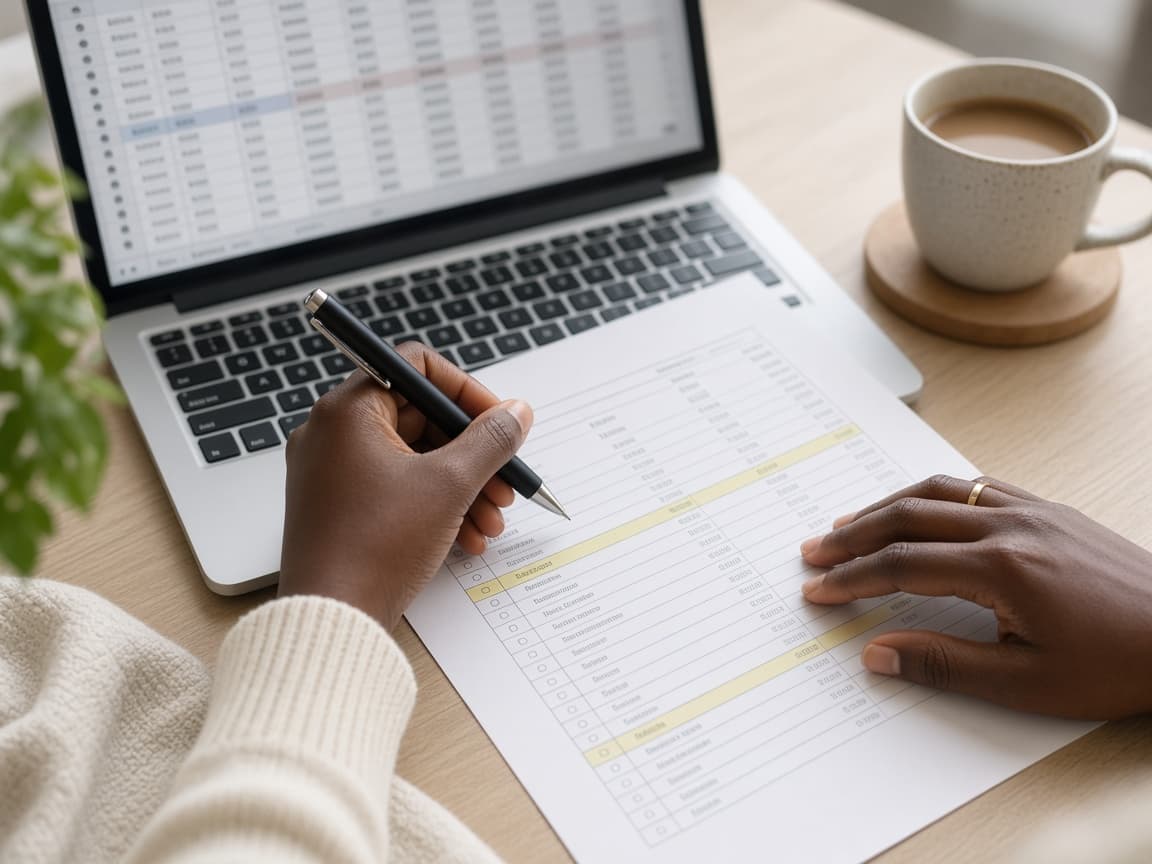
Sales, stock and cash on one screen, so the evening count matches the ledger.
OnlyBill sends, follows up and reconciles. You watch the money arrive instead of chasing it.
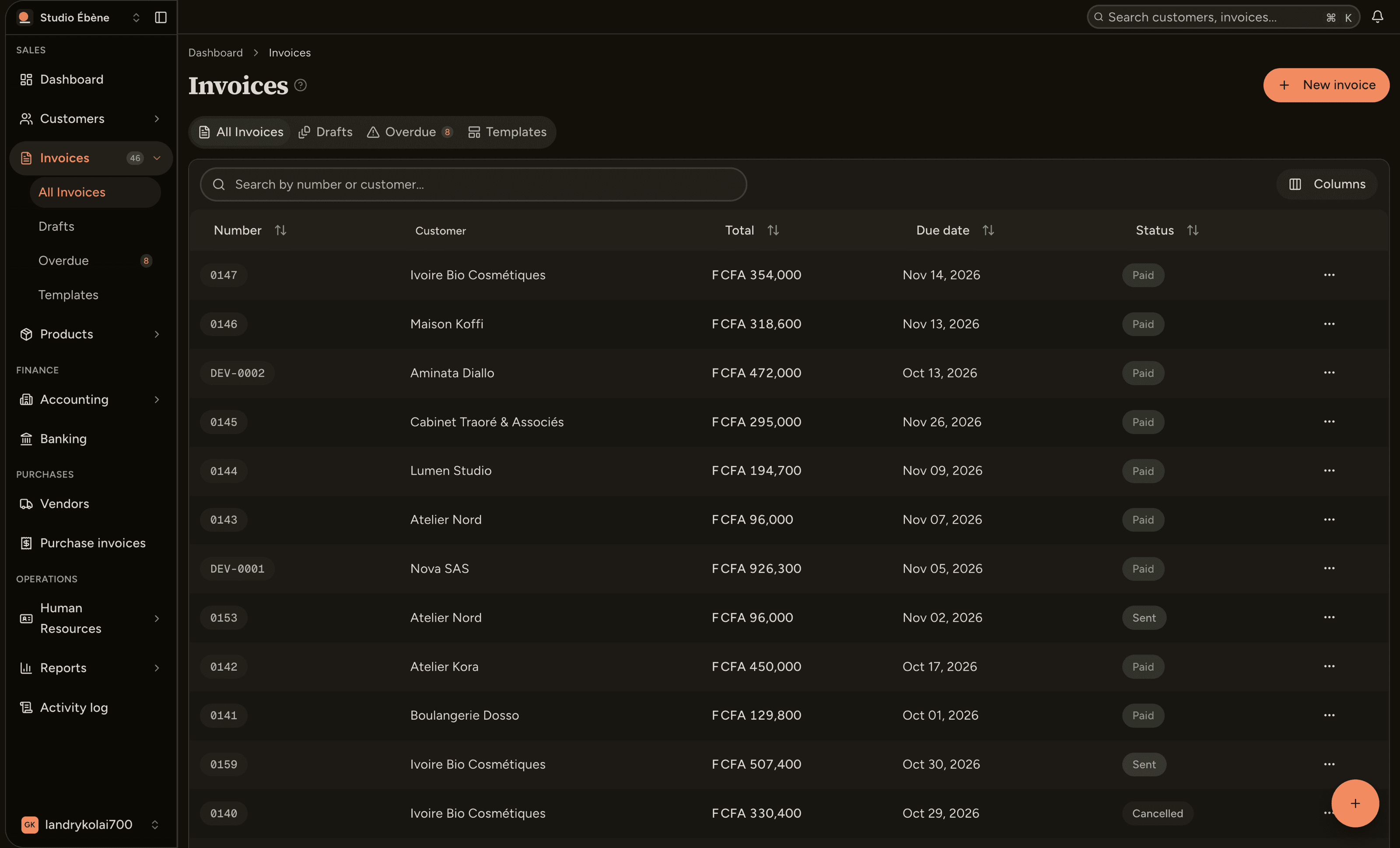
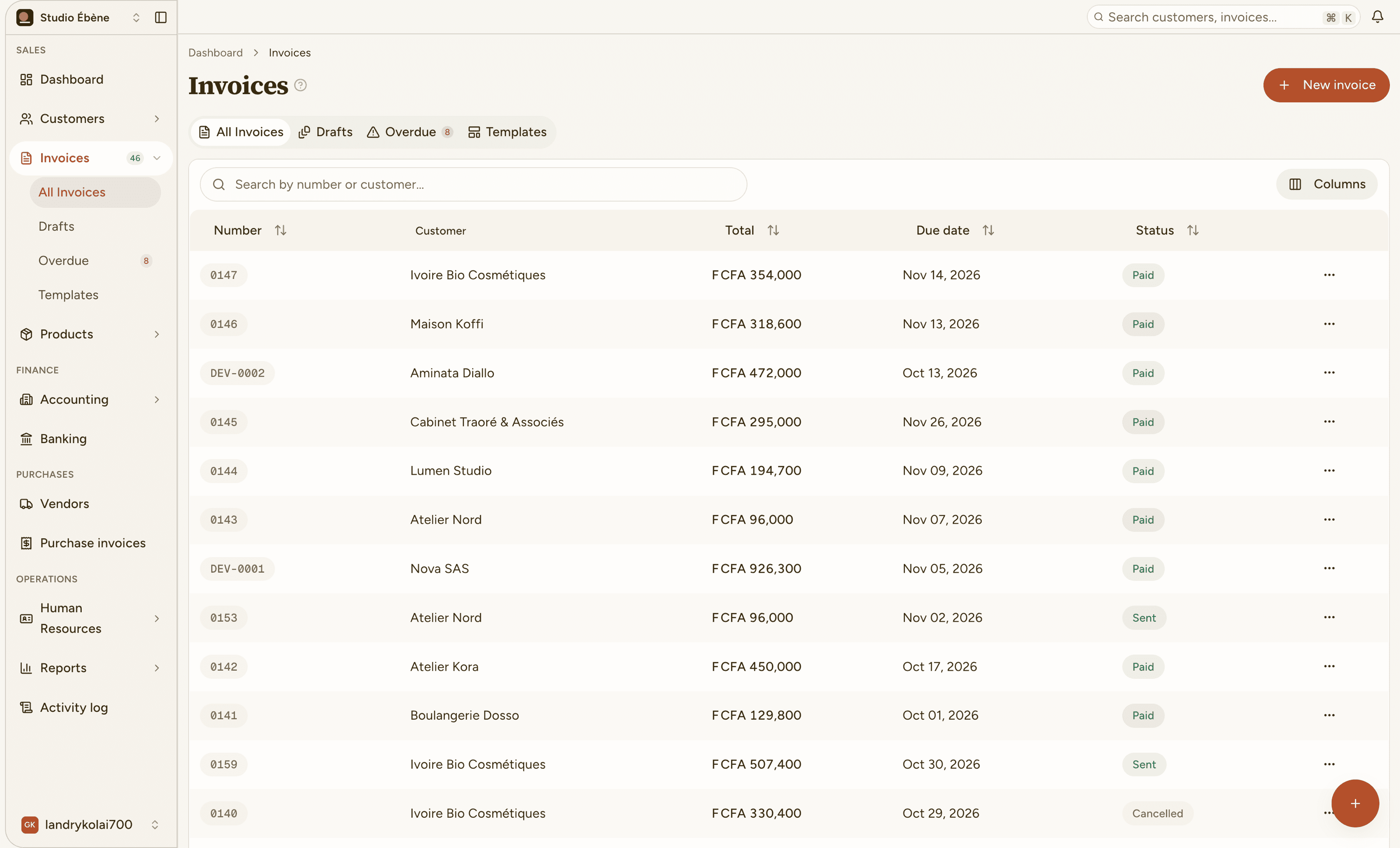
Invoice 0142 is sent, opened, reminded automatically, then paid with Wave: 450,000 FCFA.
The shopkeeper
Sales, stock and cash on one screen, so the evening count matches the ledger.

The site foreman
From the phone, in the yard. The client gets a payment link while you pack up the tools.

The consultant
A clean invoice with a payment link, and reminders that never feel like a favor you are asking.

The accountant
SYSCOHADA journals generated from invoices, bank and payroll. Closing is a read, not a rebuild.
Word and spreadsheets
The same lines retyped every month, with the same typos. Invoices leave late because nobody wants to start.
Invoices from your catalog
Client on file, lines priced, tax computed. One click and a clean invoice is in their inbox.
Phone calls and emails
Reminders depend on your memory and your mood. The awkward calls are the ones that never happen.
Reminders that run themselves
The right message on the right day, in your tone, until the invoice is paid.
Bank exports
Payments sit in a statement nobody matches until month end. You do not know what is really paid.
The bank next to the invoices
Movements are reconciled against the invoices they settle. What is left fits on a short list.
A separate accounting file
Closing means rebuilding the books from four different sources, usually on a Sunday.
A SYSCOHADA ledger, generated
Sales, purchases, bank and payroll share the same accounts. Closing becomes a read, not a rebuild.
01
Import them once. Every invoice after that reuses them, so nobody retypes anything.
02
A clean, branded invoice with a payment link goes out. Reminders follow on their own until it is paid.
03
Payments land on the dashboard. Reconcile with the bank and close from the same accounts.
Invoices from the catalog, reminders on autopilot, closing in minutes. The admin stops eating your week.
Know who to call, and in which order. The oldest debt is always at the top.
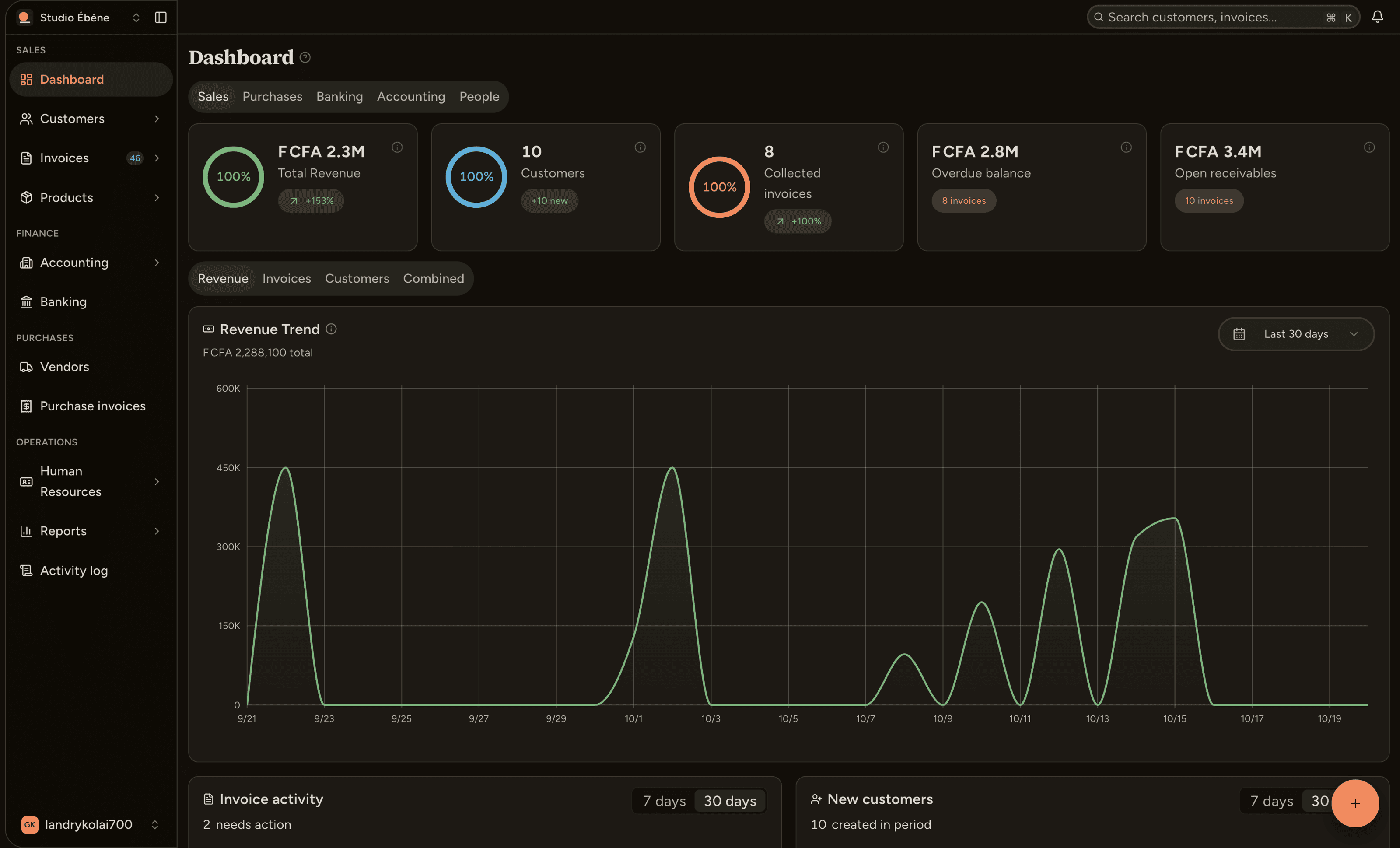
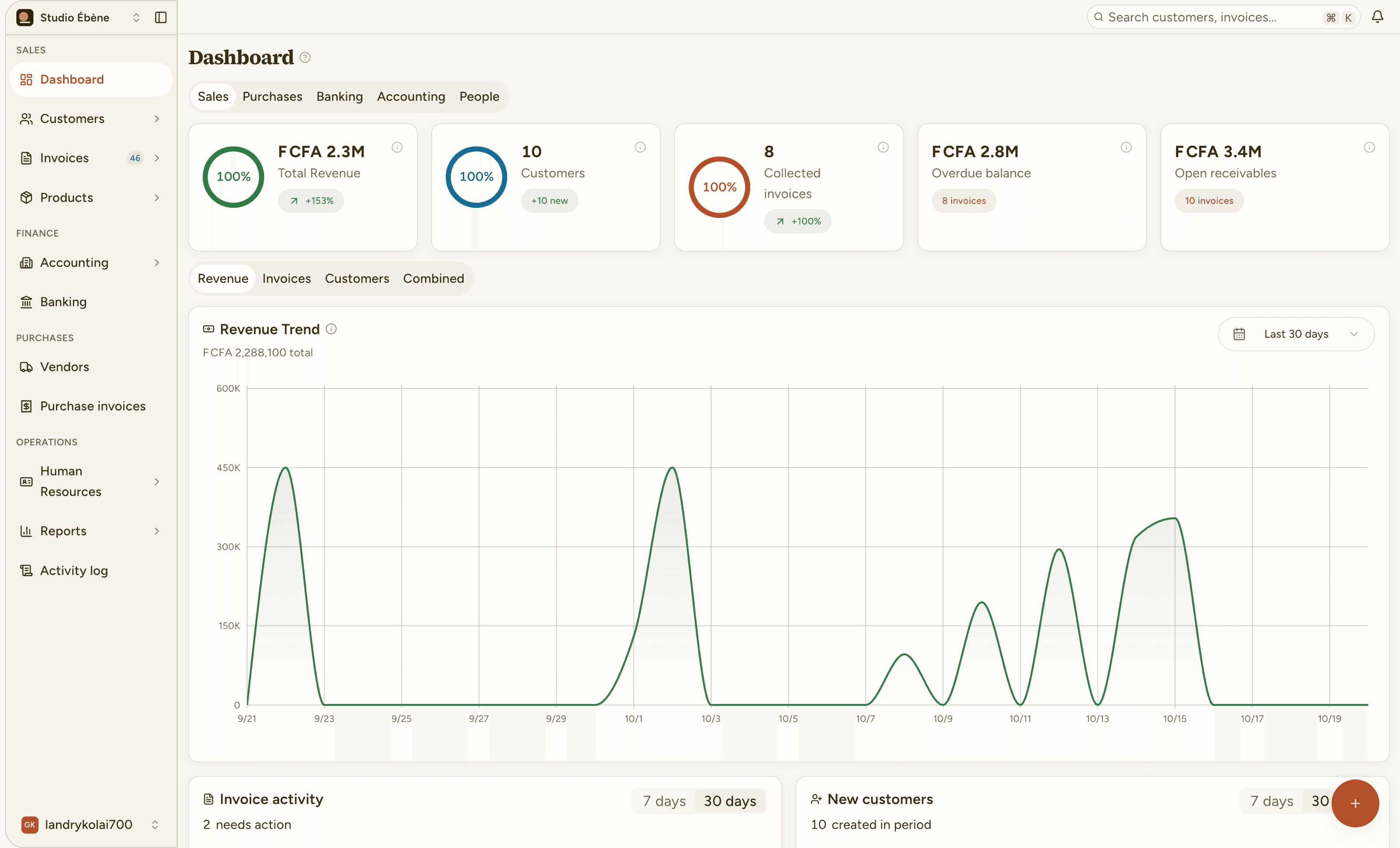
Monitor what has been collected, what is outstanding and what is at risk in real time, so every decision is backed by real numbers.
−18 days
Shorter payment delay
+32%
More invoices paid on time
10h
Hours saved per week
+12K€
Cash recovered in 3 months
Averages observed across OnlyBill teams during their first 90 days.
Whoever invoices
Invoices from the catalog, templates in your brand, clients and prices always on file.
Whoever follows up
Reminders in your tone, overdue ranked by age, and payment straight from the invoice.
Whoever buys
Purchases, suppliers and expenses recorded once, then matched to what was actually paid.
Whoever reconciles
Accounts and movements sit next to the invoices they settle. What is reconciled is closed.
The accountant
SYSCOHADA journals and statements, generated from everything above instead of retyped.
Whoever manages the team
Employees and payslips in the same place, with each person seeing only what their role needs.

We recovered €12K of overdue invoices in two months, without making a single reminder call.
Sarah Kim
Head of Finance, Lumen Studio
€12K of overdue invoices recovered in two months
Accounting
8 min read
A month-by-month routine so the closing entries are a review, not a rebuild.
Collections
5 min read
Three reminders, in the right tone, on the right day.
Payments
4 min read
Fewer follow-ups, faster cash, and a payment that matches itself.
Bank
6 min read
Match what came in against what you sent, and close the month.
Sales
4 min read
Keep the price you agreed, skip the retyping.
Add a client, pick a line, send. OnlyBill takes it from there.
Invoice № 0001
Billed to: you
Total due
0 FCFA